
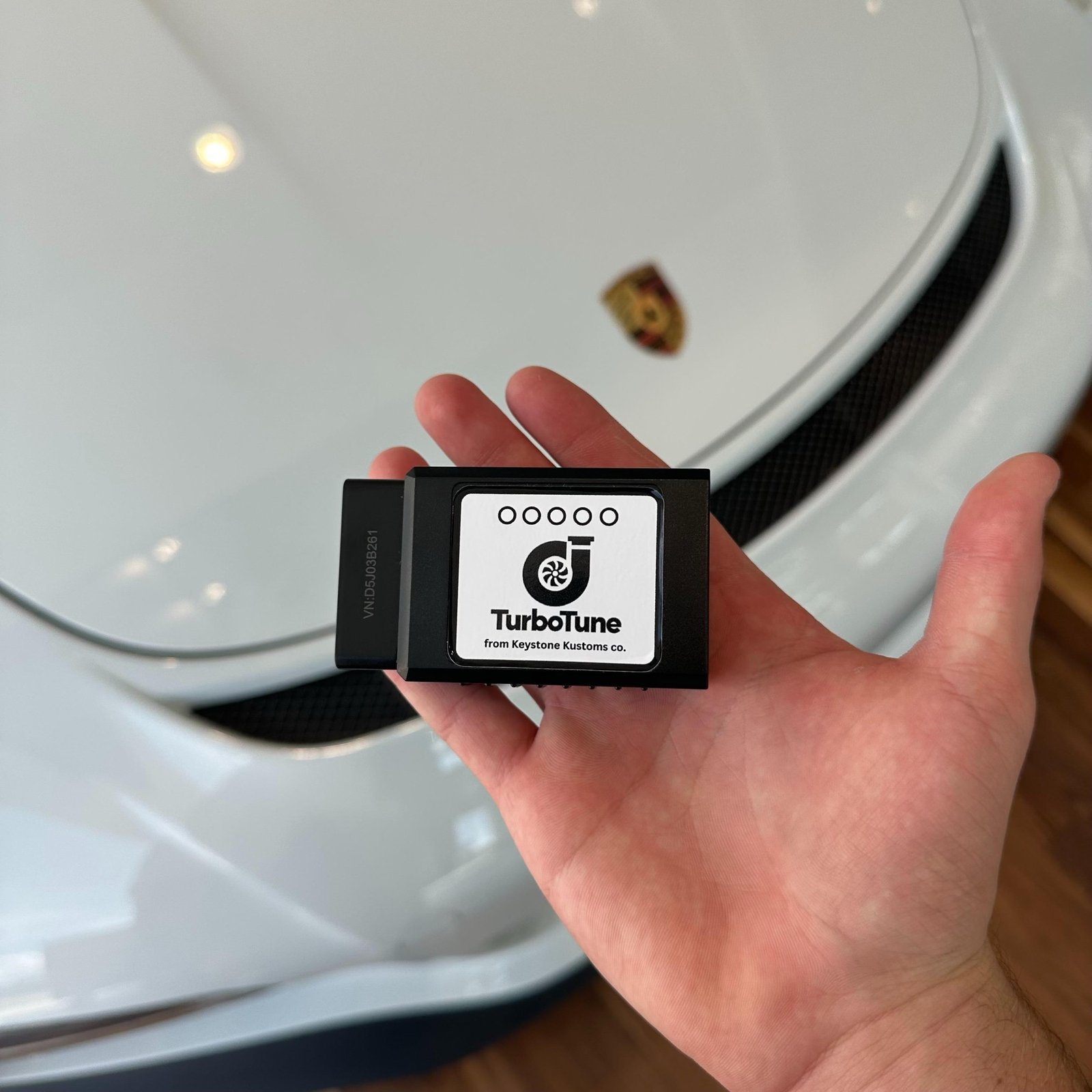
Keystone Kustoms Featured Product: TurboTune
Keystone Kustoms

Built to make every drive feel more alive.

TurboTune is a digital exhaust system that plugs into your car, reads live engine data, and plays real exhaust sound through your speakers. No mods. No mechanic. Just plug in and drive.

TurboTune OBD2 device by Keystone Kustoms
OBD2
Plug-In Install
Live RPM
Real Engine Data
Bluetooth
Wireless Pairing
Zero
Data Collected
About TurboTune

Most cars sound boring. We fixed that.

Getting a better exhaust note used to mean expensive parts, shop visits, and permanent modifications. TurboTune takes a completely different approach.

TurboTune in a performance driving setting

Real engine data. Real exhaust sound.

TurboTune plugs into the OBD2 port every modern car already has. Once connected, it reads your engine's RPM in real time and uses that data to generate exhaust sound through your existing speakers.

The sound rises and falls with the engine because it's built on real input, not a recording. No wiring, no permanent changes, no mechanic required.

Product Details

Everything inside TurboTune.

TurboTune is a compact OBD2 device that plugs directly into the diagnostic port under your dashboard. It draws power from the car, so there's nothing to charge, mount, or wire. Just push it in and it's ready.
Once connected, TurboTune reads your engine's RPM in real time over Bluetooth. The app uses this data to generate exhaust sound that reacts to how you're actually driving. More throttle, louder note. Cruise, and it settles back down.
The app connects to TurboTune over Bluetooth, processes the engine data, and outputs exhaust sound through your car's speakers. You can adjust the balance between engine sound and music, and explore a demo mode before connecting.
Open the app, tap connect, and select TurboTune from the Bluetooth list. Pairing takes a few seconds. Once connected, the exhaust sound begins automatically.
TurboTune does not collect personal data. There are no accounts, no tracking, and no analytics. All vehicle data stays on your phone and is never transmitted.
How It Works

Set up in under a minute.

Three steps and you're on the road. TurboTune was designed so setup never gets in the way of driving.

TurboTune being plugged into a car's OBD2 port
1

Plug in TurboTune

Find the OBD2 port under your dashboard and push TurboTune in until it clicks. It powers on with the car.

2

Connect through the app

Open the TurboTune app with Bluetooth on. Tap connect and select TurboTune from the list.

3

Drive

The exhaust sound starts automatically. Turn up your speakers, adjust the balance, and enjoy the ride.

TurboTune lifestyle
TurboTune

Plug it in. Connect. Drive.

Turn your daily commute into something you actually look forward to.